
Braveheart Script Font
Braveheart is Modern Calligraphy. This font was designed by handwriting, and it has a modern and unique forms of calligraphy, the writing style is very natural.

Braveheart is Modern Calligraphy. This font was designed by handwriting, and it has a modern and unique forms of calligraphy, the writing style is very natural.
| Designer Name: | artisans |
| Date: | December 22, 2017 |
| Downloads: | 42047 |
| Classification: | Calligraphy Fonts, Handwritten Fonts, Script Fonts |
| License: | Free for Commercial Use |
| Commercial License: | https://crmrkt.com/WKWw6A |
UNLIMITED DOWNLOADS: 50 Million+ Fonts & Design Assets
Browse affordable fonts with full commercial licensing. DOWNLOAD NOW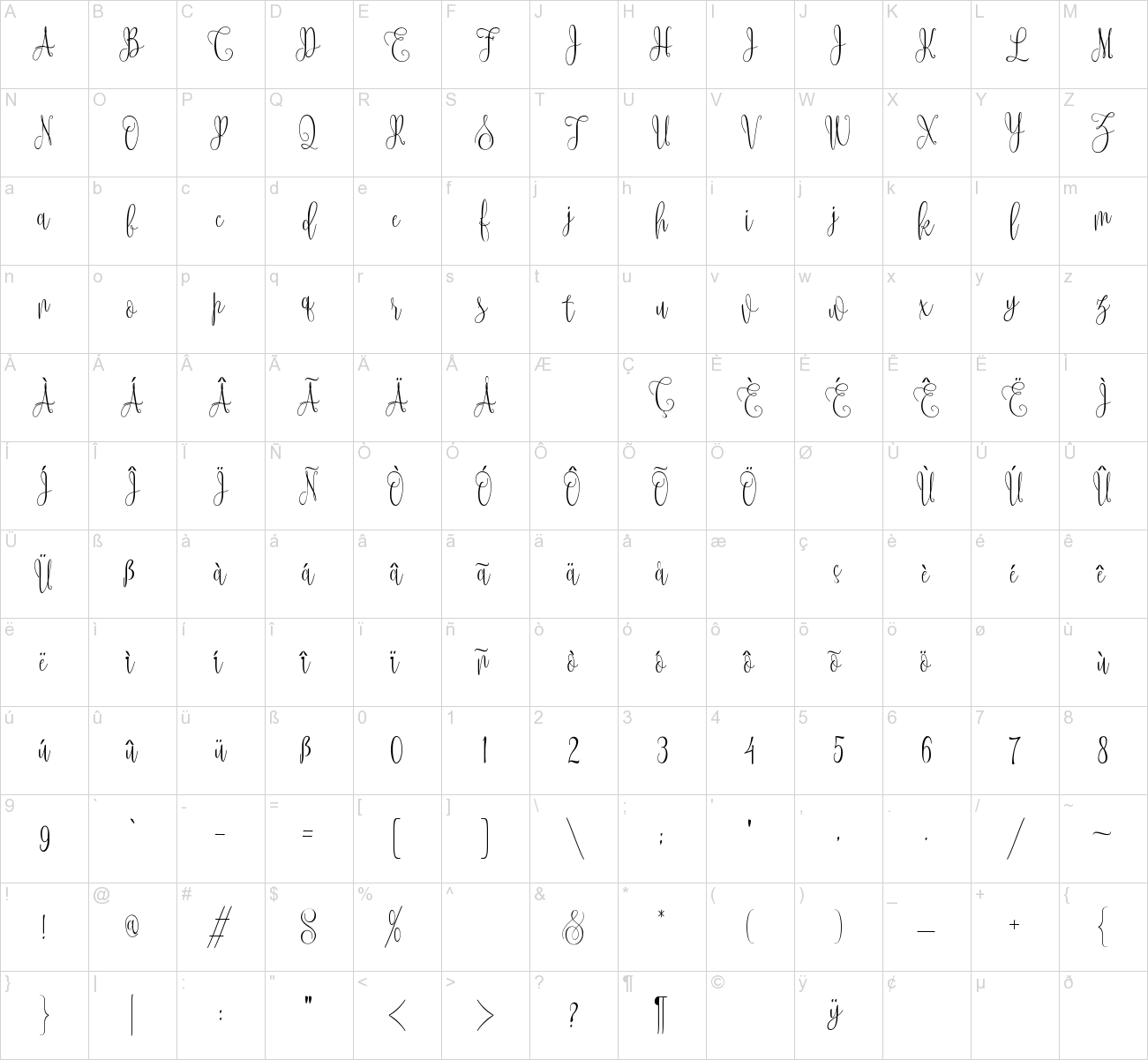
This site uses Akismet to reduce spam. Learn how your comment data is processed.
Mandat Script Font, a delightful interpretation of modern calligraphy....
Baby Sintya Font is a fun handwritten font carefully created with a touch...
BEARS Display Font This it’s a any font created officialy by FontStudio-LAB...
Calina Serif font is a serif font with a very beautiful minimalist...
CS Dario Font is a modern serif font that features bold, substantial...
Big Dazzle Font, a font that pops in and brings a smile. Bold and funny...
Happy Floral Calligraphy Font Happy Floral is a beautiful light handwritten...
Selvilia Dreamer Font is a beautiful font duo featuring sans and script...
Rendenvous Font - Serif Display Font with its unique curves and cut-ins...
Bodoni Egyptian Pro Serif Font Beneath the dominant signifier of identity,...
Amalya Calligraphy Font Amalya is a magical handwritten font carefully...
Frest Style Script Font is a cool and neat handwritten font. Whether you’re...
Salahe Script Font Salahe – a funcy cursive font is a handwritten script...
Seravine Rounded Font: Bold Retro Vibes with a Playful Twist. Bold and...
Blader Display Font Blader is an awesome display font. It features a unique...


Hello – I can’t seem to get the extra swashes like in the font cover photo to appear in Microsoft Word. I can see them under stylistic alternates preview, but when selected they don’t actually appear in the document itself. Can you offer any help? Thank you.